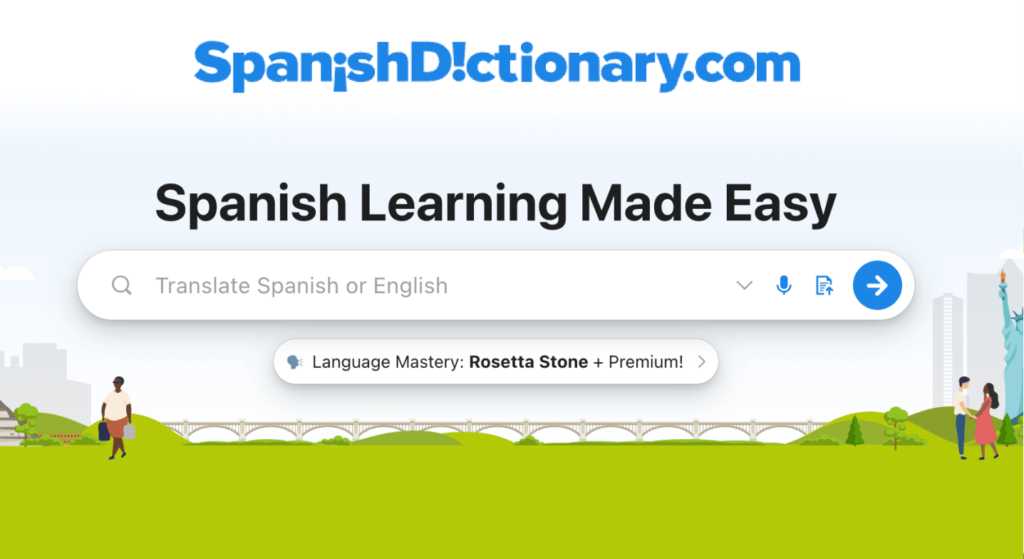
SpanishDictionary has been an important part of my Spanish learning journey. Many of the lessons I created — and personally used — were influenced by the way this platform explains grammar and structures practice activities.
If you’ve decided to learn with me and use the materials I share, I strongly recommend creating your own free SpanishDictionary account. It will allow you to follow the lessons more smoothly and access the activities that support each topic.
If you don’t have an account yet and have never used SpanishDictionary before, follow these steps:
1) Open the Lesson Link
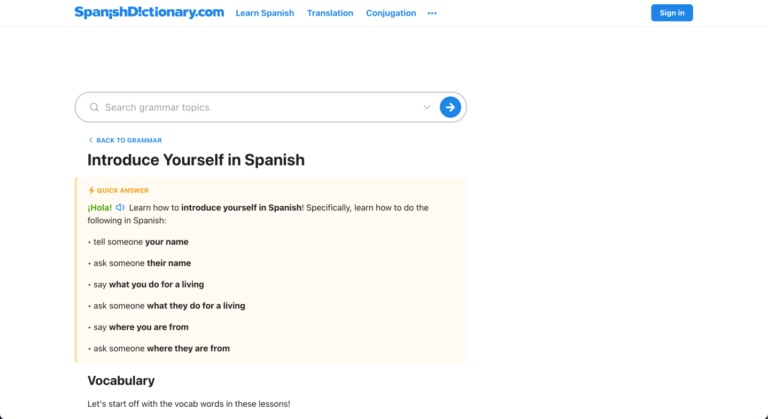
- Tap the SpanishDictionary lesson link provided in the lesson.
- You’ll be redirected to the SpanishDictionary lesson page.
- Scroll down, read and understand the lesson carefully before doing any activities.
2) Create a Free Account (Recommended)
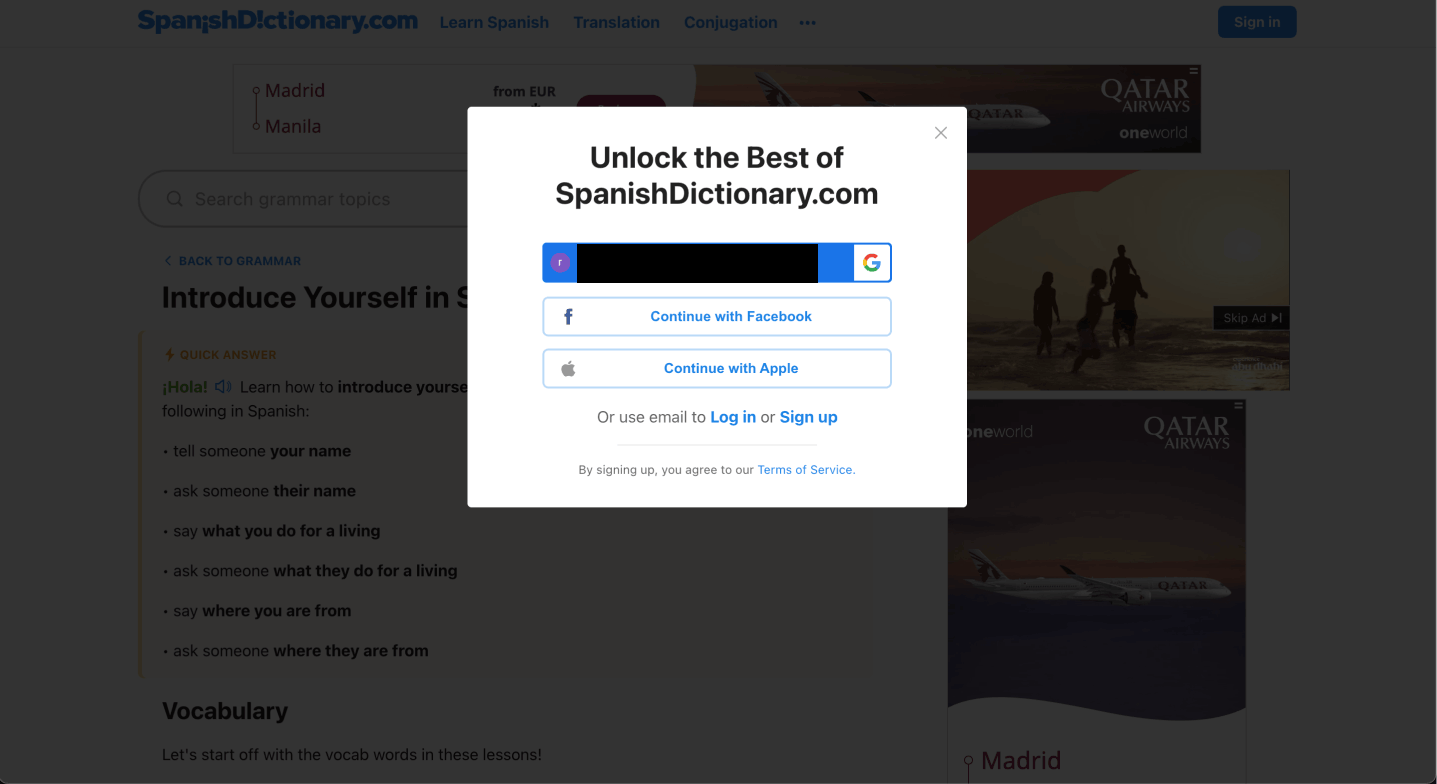
- After reading and understanding the lesson, scroll back up to the top of the page.
- Click the Sign In button and choose Sign Up.
- You’ll be asked why you’re learning Spanish — choose the option that fits you best.
- You may also see an option to try Premium. You can choose Premium if you’d like, but SpanishDictionary can absolutely be used for free.
3) Complete the Activities
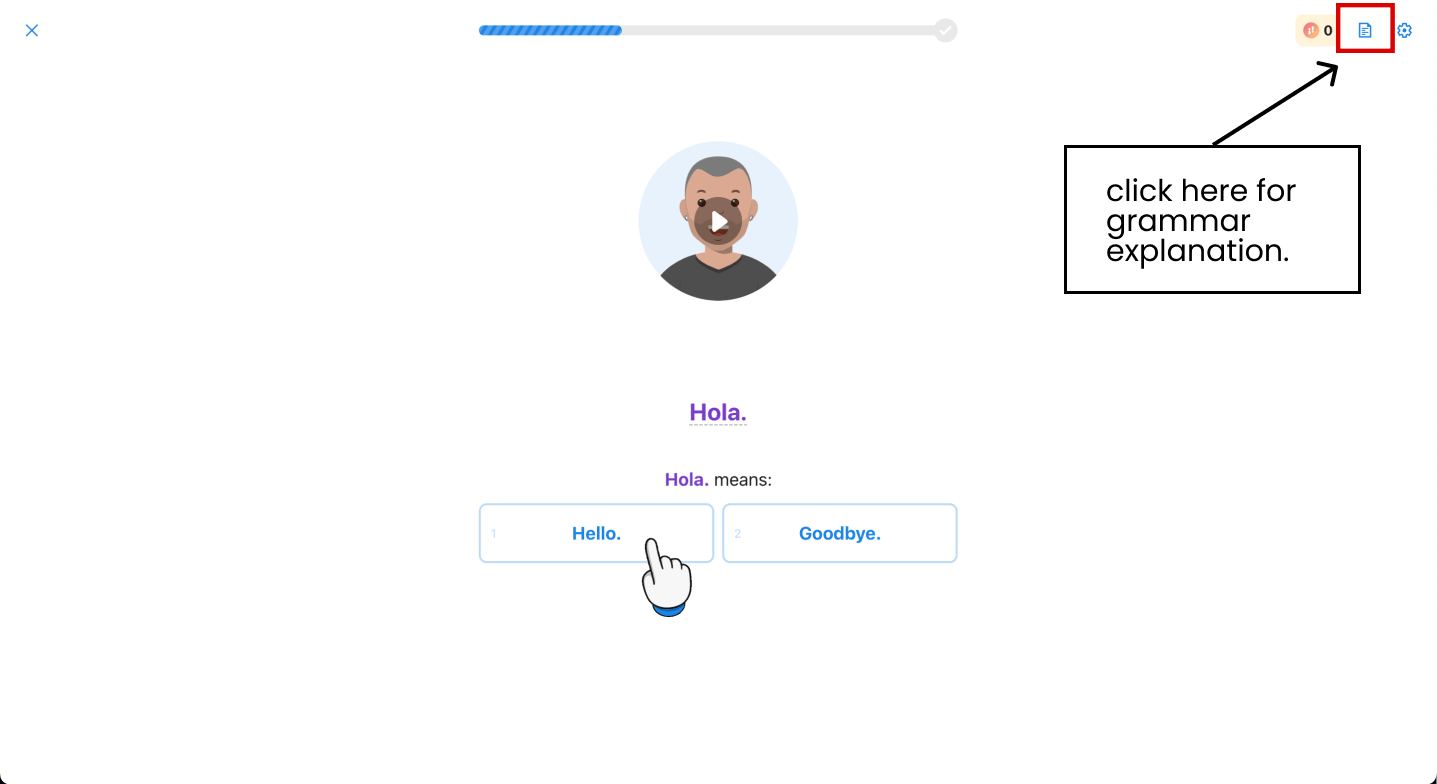
- Once you’ve created your account, you’ll be redirected to the lesson activity.
- Complete the exercises.
- Click the paper icon in the top-right corner of the screen.
- A sidebar will appear with the grammar explanation.
- Review the lesson, then continue the activities.
4) Return to My Lesson
After completing the SpanishDictionary lesson and activities, return to my lesson and proceed to reading my script.
Quick Note
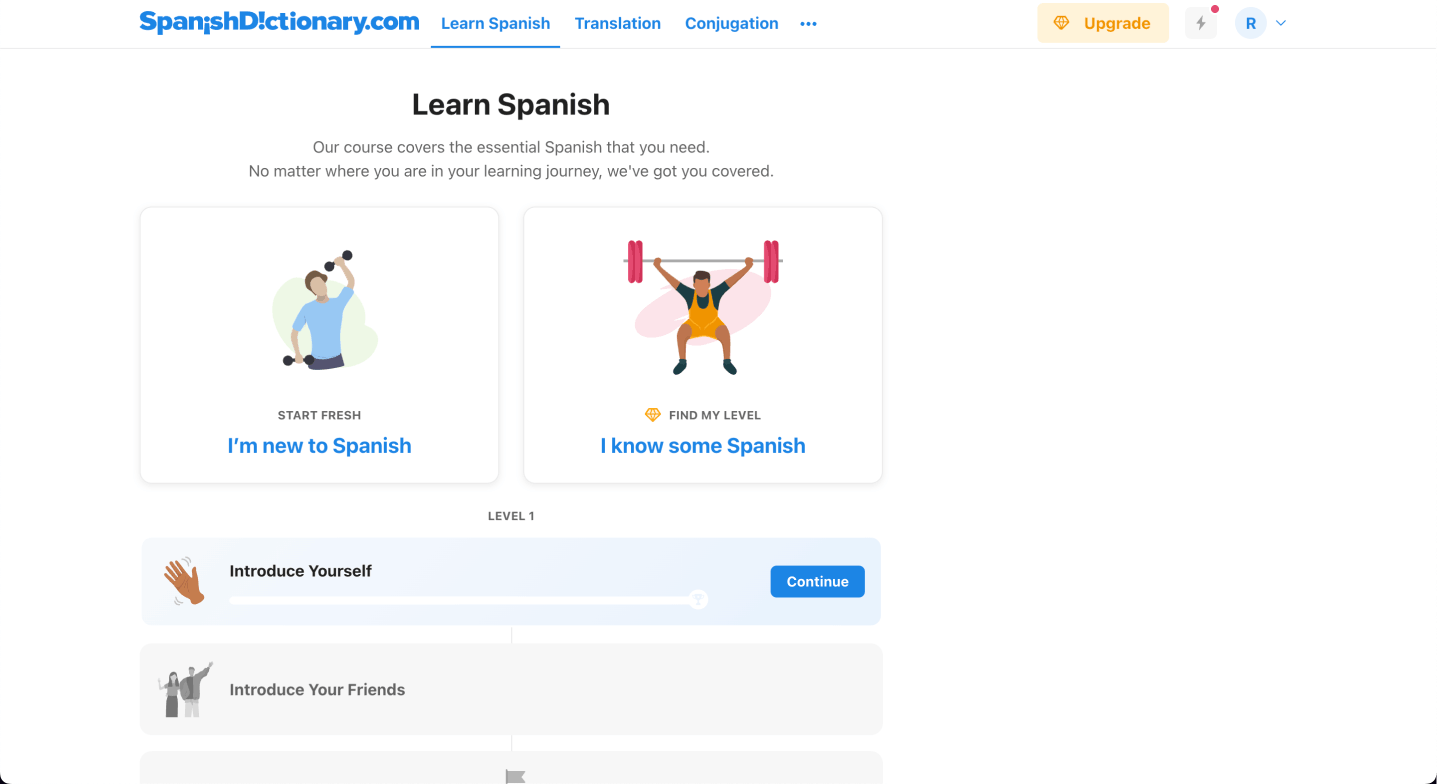
With a free account, SpanishDictionary requires lessons to be completed in sequence. If you click a SpanishDictionary grammar lesson link, you’ll be redirected to the lesson page. However, the activities will remain locked until you complete the previous lessons in that course path.
SpanishDictionary is a straightforward and easy-to-navigate Spanish learning platform. Once you get familiar with it, moving through the lessons and activities becomes very simple.
If you still have any questions about accessing the lessons or using the platform, feel free to leave a comment below or get in touch with me. I’ll be happy to help.